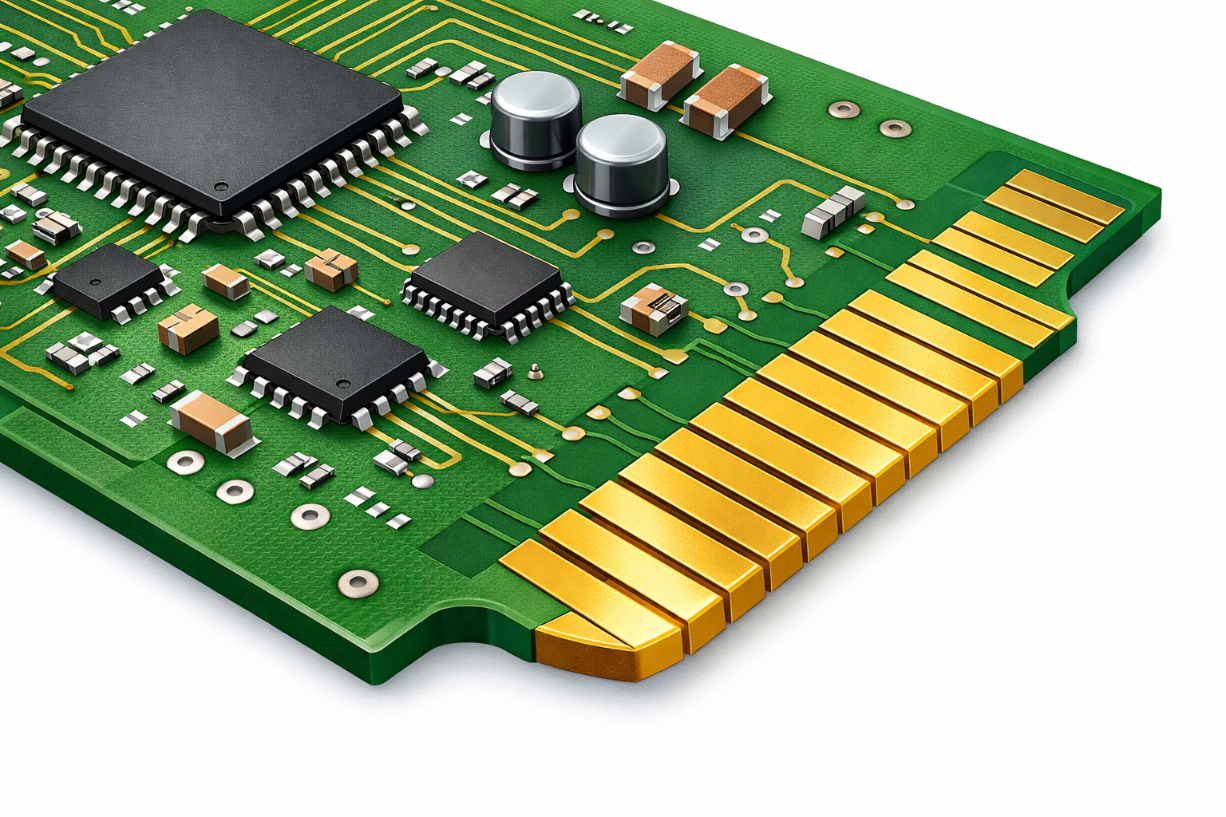
Tips On Exporting The Right Files From Your PCB Design Software

In order for most PCB manufacturers to be able to fabricate your PCB design, Gerber files are required. Below we have listed some tips on the types of files that need to be exported from your PCB design software.
Keep in mind that AdvancedPCB offers a free PCB design software that simplifies this process with its integrated ordering system.
Another free PCB design tool we offer to help you identify issues with your design files is FreeDFM. You can upload your design files to FreeDFM to verify that all required files have been exported. Consider using AdvancedPCB’s free PCB design software to help you streamline the design and file preparation process.
This is what one of our software users had to say after using PCB Artist:
“I am so thrilled that my prototype boards were inexpensive, they came back working the first time, and I didn’t have to fuss with figuring out how to get all the right design files together in the right format. For my next prototype, I’m going to start in PCB Artist first”.
Gerbers Files From Your PCB Design Software
Making sure that you have exported the Gerber files that accurately reflect your PCB design from your layout software can sometimes be a challenge. One thing to keep in mind is to generate Gerber image file for each of the conductor layers, soldermask layers, and legend.
Our preferred file format is Gerber 274-x, but if your PCB design software only exports Gerber 274-d, we will also accept this format if a comprehensive aperture report is also generated (one that can be used for all files). We may also be able to support other formats, so please contact your sales representative for more information.
Be sure to include your board outline. Preferably, this will be included in your soldermask images and drill drawing only.
PCB Design Drill/Print Drawing
It is always beneficial to provide your PCB manufacturer a fabrication print/drill drawing with your design package. We can accept this as a Gerber file (preferably), PDF, or DXF file. This can be an important piece to include as it contains a dimensioned board outline, a graphical representation of the hole locations with legend identifying finished hole size, and pertinent fabrication notes.
NC Drill File of Your PCB Design
An Excellon NC Drill file is required for your PCB design (EIA, ASCII Odd formats are also acceptable). Please provide a single drill file for both plated and non-plated holes if possible.
Include Your PCB Design ReadMe Text File
Including a “Read.Me” text file (ASCII text information file) that contains the following information can be very helpful:
- List of every file name with a brief description as to what it is.
- List all non-Gerber specs for this job, if not included in a fab print.
- Your contact information (include evening phone if you like).

AdvancedPCB
Related Posts
Fiducials in PCB Manufacturing: Design Rules, IPC Guidance, and Best Practices
Finding the Right PCB Design Services Partner